New Features: AI Week Planning & Meal Prep Mode
Plan your entire week with AI-generated meals and shopping lists, then prep like a pro with our immersive cook mode featuring voice guidance.
 MealIdeas Team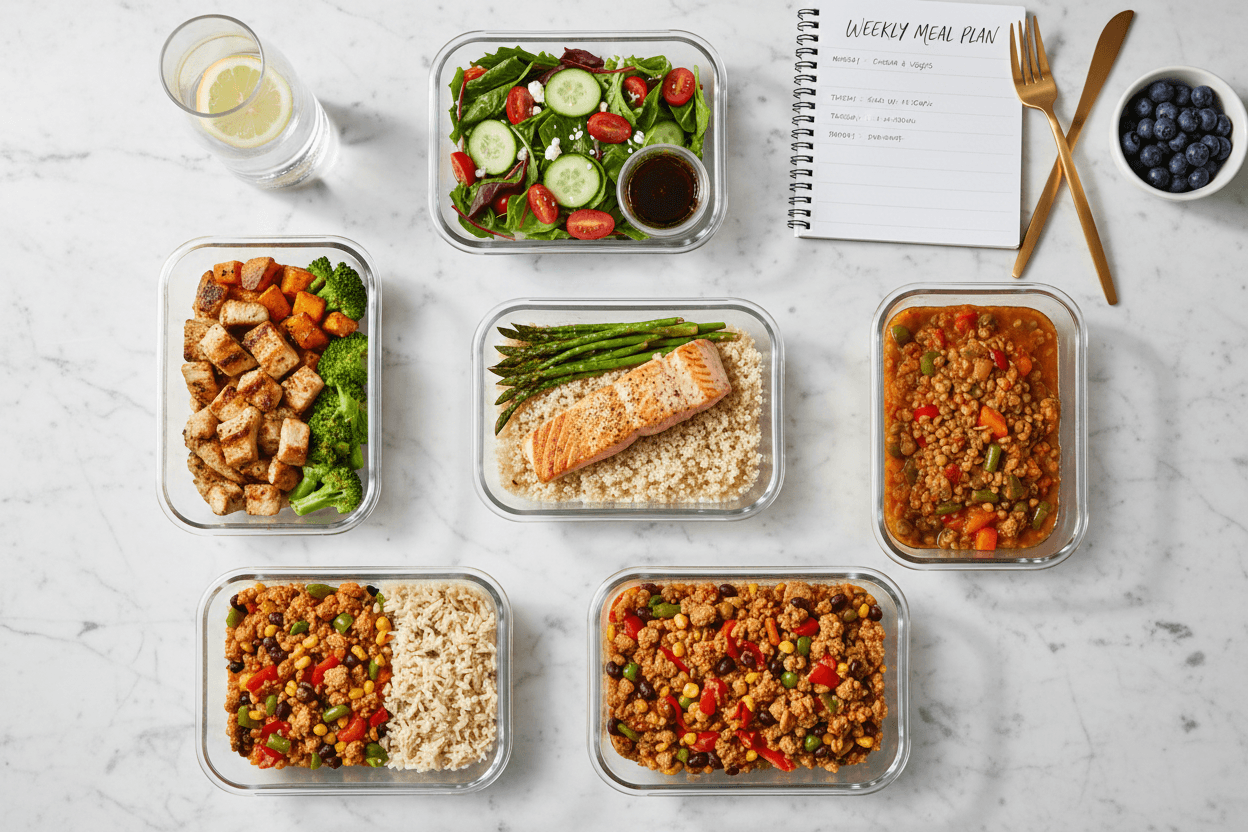
New Features: AI Week Planning & Meal Prep Mode
We're excited to announce the biggest feature update to MealIdeas.ai – two powerful tools designed to end meal chaos once and for all.
If you've ever asked yourself "what should I eat this week?" or struggled to turn a meal plan into actual prepped food, these features are for you.
Week Planning: Your 7-Day Meal Blueprint
The new Week Planning feature takes our AI recommendation engine and scales it to an entire week.
How It Works
- Set your preferences – Tell us your mood level for the week, time budget, and dietary needs
- AI generates your plan – Get a complete 7-day meal plan with breakfast, lunch, and dinner
- View by calendar – See your entire week at a glance with our mini-calendar navigation
- Auto-generate shopping list – One click creates a consolidated grocery list for the whole week
Key Features
Smart Meal Distribution: Our AI ensures variety throughout the week. No more eating the same thing three days in a row (unless you want to).
Flexible Adjustments: Not feeling Tuesday's dinner? Swap it out with one click. The shopping list updates automatically.
Mood-Aware Planning: Having a busy week? Tell us, and we'll prioritize quick meals. Feeling adventurous? Get more elaborate recipes.
Saved Plans: Access your previous week plans anytime. Great for repeating weeks that worked well.
Meal Prep Mode: From Plan to Prepped
A plan is only useful if you execute it. That's why we built Meal Prep Mode – a guided experience that transforms your week plan into prepped ingredients and ready-to-cook components.
The Prep Dashboard
When you access Meal Prep, you'll see:
- Task List: Every prep task organized by type (cutting, marinating, pre-cooking, sauces)
- Time Estimates: Know exactly how long your prep session will take
- Progress Tracking: Check off tasks as you go, pick up where you left off
Cook Mode: Immersive Guided Prep
The real magic happens in Cook Mode. Hit the "Start Cooking" button and enter a distraction-free interface designed for the kitchen.
Voice Guidance: Each task is read aloud so you can keep your hands on the food, not your phone. Supports multiple languages.
Built-in Timers: Set timers for marinating, resting, or any time-sensitive step. Audio alerts ensure you never miss a beat.
Step-by-Step Navigation: Large, readable text shows one task at a time. Swipe or use keyboard arrows to move between steps.
Offline Support: Once loaded, Cook Mode works without an internet connection. Your progress syncs when you're back online.
Storage Information: Each task includes storage tips – which container to use, how long it keeps, and where to store it.
How It All Connects
These features work together as a complete meal workflow:
- Generate a Week Plan at
/week/create - Review and adjust your 7-day meal schedule
- Generate Prep Plan from your week plan
- Enter Cook Mode and prep everything in one session
- Enjoy the week with prepped ingredients ready to assemble
Getting Started
Ready to end meal chaos?
Already have a week plan? Generate a prep plan directly from the plan detail page.
What's Next
We're continuing to improve these features based on your feedback. Coming soon:
- Batch cooking optimization – Group similar tasks for efficiency
- Ingredient substitution – Swap ingredients based on what you have
- Share plans – Send your week plan to family members
- Calendar integration – Sync meals with Google Calendar or Apple Calendar
Have feedback or feature requests? We'd love to hear from you.
New to MealIdeas.ai? Start with our homepage for instant meal recommendations based on how you're feeling right now.
You Might Also Like
Comments
Comments are not available for this post.